

RF Online 2.1.5 · the original sci-fi MMORPG, free, English and Russian client
Play freeGame systems
Mining rigs
Mining ore
RF Online has three races, the Bellato Federation, the Holy Alliance Cora and the Accretian Empire, and any of them can mine ore without limit. All it takes is buying the tool for the job, a mining rig, and a battery, from the Storekeeper NPC in each race's headquarters. A mining rig is worked by hand and needs the character to be there.
Mining rigs, Bellato, Cora and Accretia: 


Batteries for a mining rig, 30 minutes, 1 hour and 2 hours: 


The automatic mining rig
This one does not need the player present while it works. Its batteries come in 4-hour and 6-hour sizes.
Automatic rigs, Bellato, Cora and Accretia: 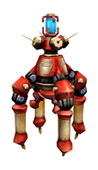


Batteries for the automatic rig, 4 hours and 6 hours: 
Using the automatic rig
Before you can dig with an automatic rig you need to buy its store from the Storekeeper NPC in headquarters for 250 platinum. Everything you mine goes there.
Step 1
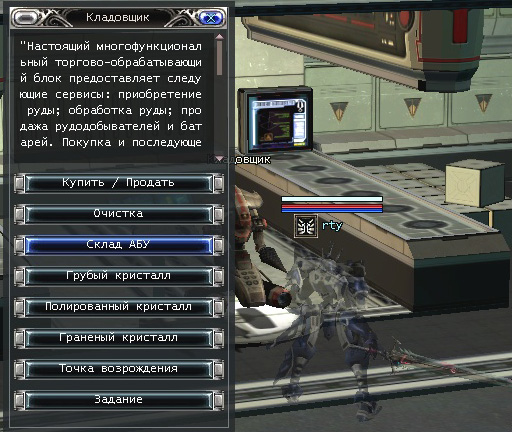
To buy the store, open the Storekeeper NPC's menu and press the automatic rig store button. Once you have paid the 250 platinum you have a store with 40 slots for ore.
Step 2
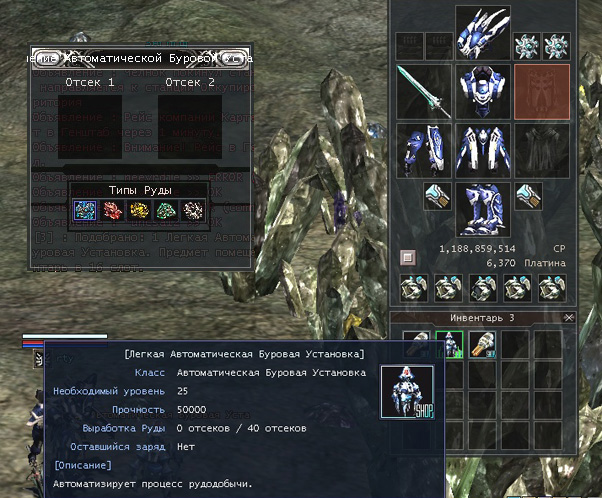
After buying the rig, place it where you want to mine by right-clicking its icon in your inventory.
Careful. A player can have only one automatic rig placed at a time, and it mines faster than a hand rig.
Step 3
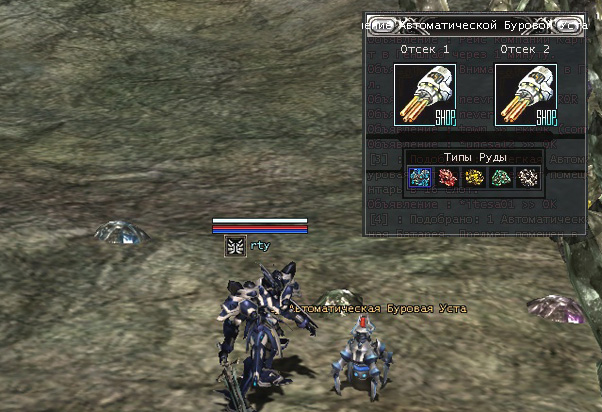
Walk up to a rig you have placed and its control interface appears, where you can set the type of ore to mine and check the battery.
Step 4
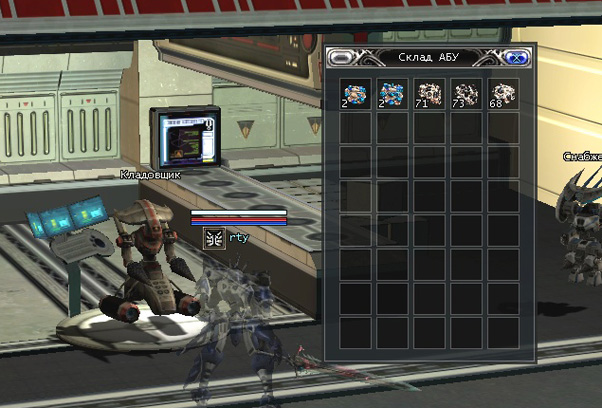
To look inside the store, or take mined ore out of it, choose the automatic rig store in the Storekeeper NPC's menu. A window opens showing what is in the store; click a slot to move its contents into your inventory.
Where to mine
Ore can be mined anywhere in the Crag Mines. To bring out the most, though, you need the Altar Keeper to let you into the zone it guards, and that is only possible after completing the quest to storm the Crag Mines.
Starting to mine
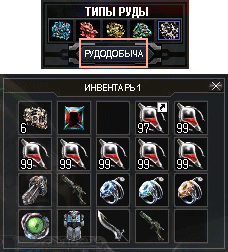
Pick the colour of ore you want and press start. Mining begins on its own.
What you mine appears in your automatic rig store at the Storekeeper NPC in headquarters. Mining continues automatically until the battery runs out or the store fills up.
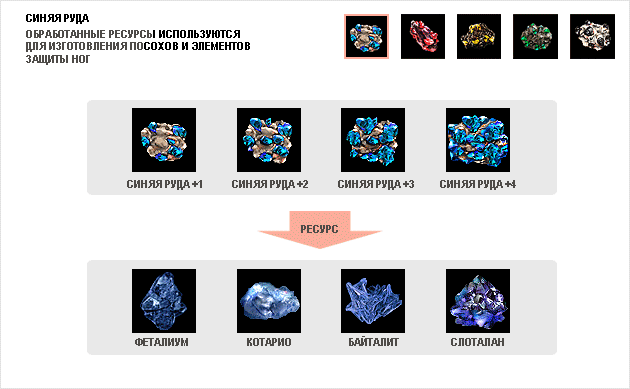
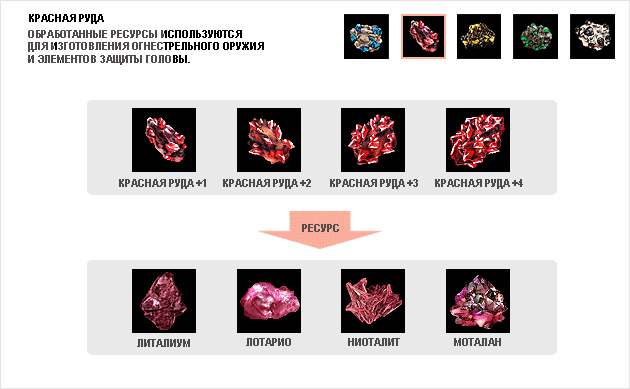
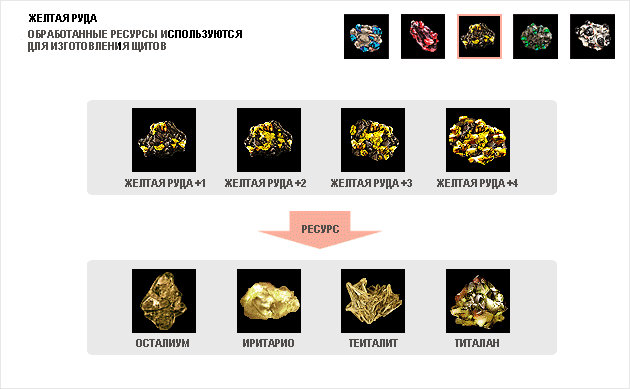
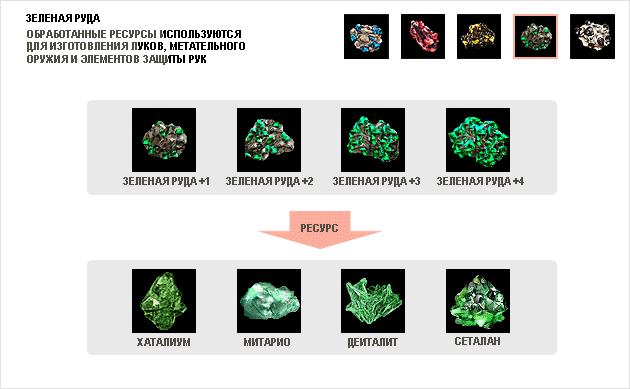
Ore comes in five colours: blue, green, red, yellow and black. Mined ore can be sold to a vendor or refined.
Refining ore
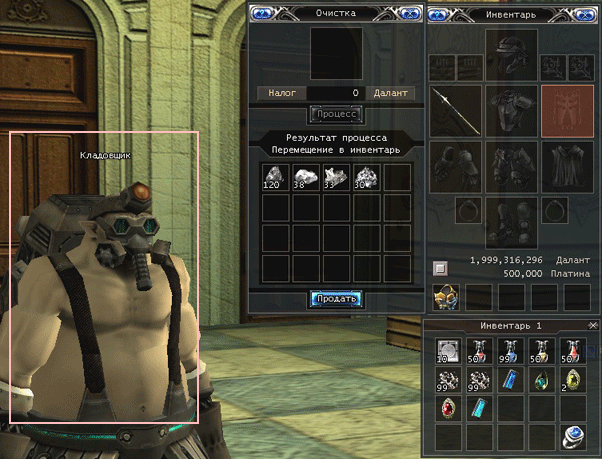
Choose the refining option in the Storekeeper NPC's menu and the refining interface appears. Take the icon of the ore you want to work and drag it into the upper window.
Step 1
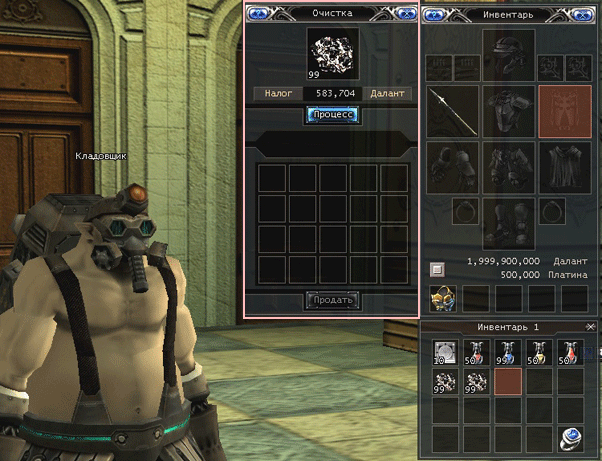
Choose the refining option in the Storekeeper NPC's menu and the refining interface appears. Drag the ore you want to work into the upper window.
Step 2
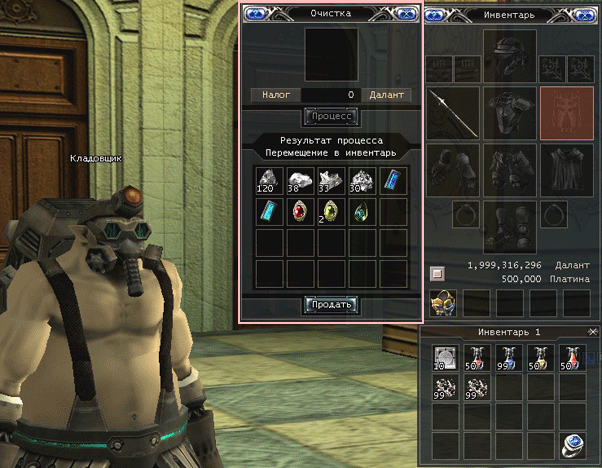
Then press refine. You pay a tax on the work, which depends on the tax rate and so varies. The refined resources appear in the same interface.
Step 3
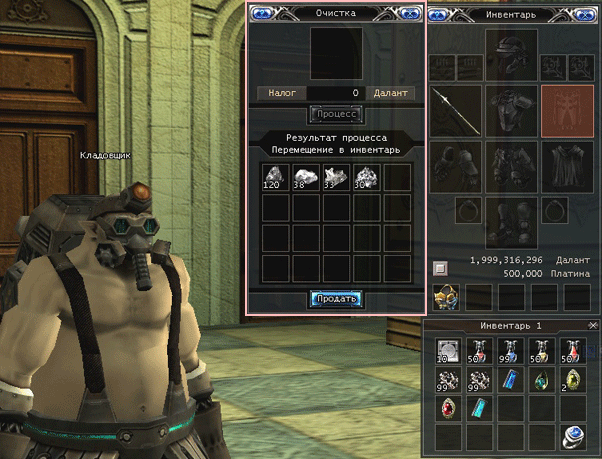
Click the items you want and they go straight into your inventory. Leave the ones you do not need and press the hand-in button; those are sold automatically, and you are paid in platinum rather than game money.
Careful. Before you press hand-in, make sure you really do not need those resources. Some of them, gems for instance, sell to other players for far more than a vendor will offer.
Resources
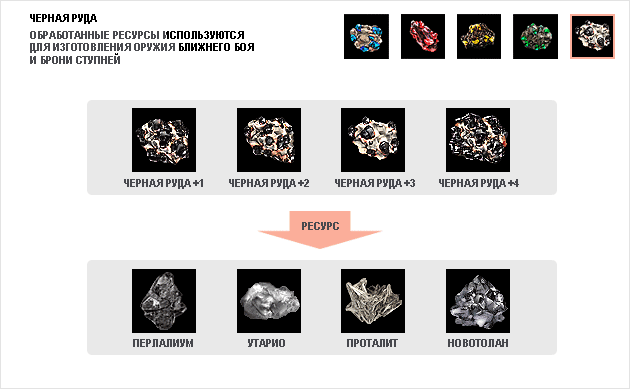
Talics

Gems
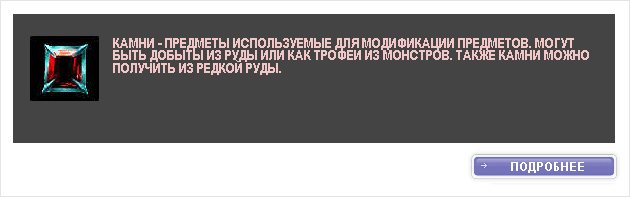
Emeralds

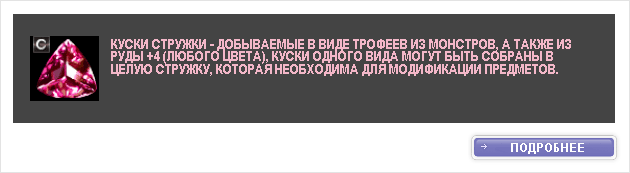
Shavings
Try it in the game
This guide comes from the original RF Online. The same game runs here as version 2.1.5, free, on Windows and Mac.
Source: rfonline.ru (Innova, 2007–2009), recovered from the Internet Archive. original page